





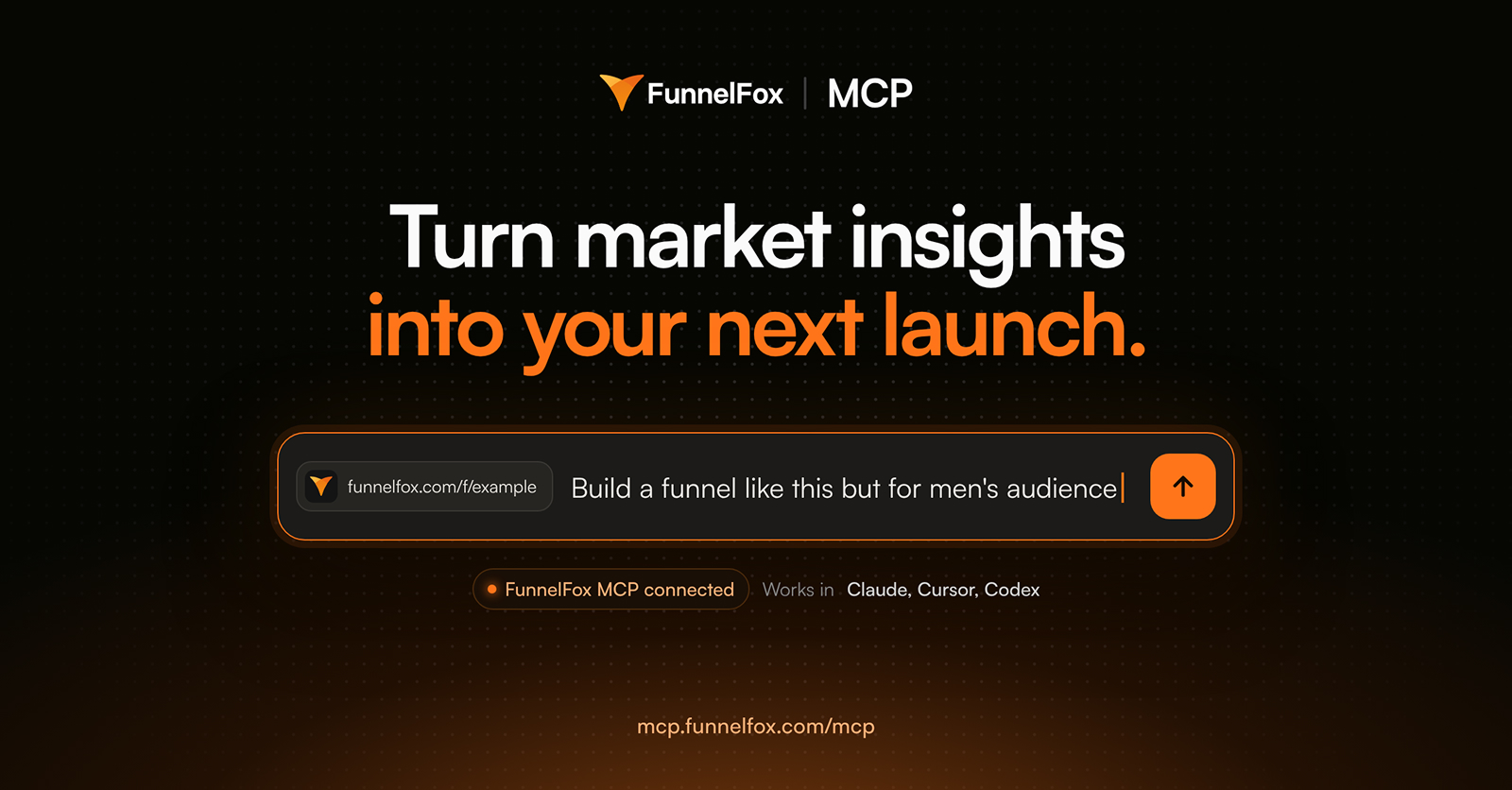
FunnelFox MCP is a new way to work with your funnels: through your AI assistant, straight from chat. Connect FunnelFox to Claude, Cursor, or any MCP client, and your agent builds, edits, and analyzes funnels for you.
With FunnelFox MCP, your agent can start from three places:
- Your market. Use the built-in FunnelFox Market Radar to see what’s working across competitors and turn those insights into a funnel.
- Your data. It looks at what’s working across your funnels and builds from there.
- A reference. Share a funnel URL, screenshots or a Figma design, and the agent builds your version.
Your agent turns those into production-ready funnels in the FunnelFox editor. Here’s what that looks like, one prompt at a time.
1. Start from your market
Most funnel ideas start with a look at competitors. With FunnelFox Market Radar connected, the research and the build happen in the same chat.
Follow the market’s winning pattern
Try:
Find the fastest-growing brands in my niche on Market Radar and build a funnel on the paywall pattern they share.
Use top risers as inspiration
Try:
Who’s rising fastest in my niche? Compare their funnel with mine and make a copy with the three changes that matter most.
Along with the copy, the agent explains why it made each change, so you already know what your next test is checking.
Turn long-running ads into funnels
Try:
Turn the five longest-running ads in my niche into five funnel variants, each opening on its ad’s promise.
When the first screen matches the ad, fewer people drop before the paywall.
Enter geos your competitors already sell in
Try:
Which languages do top funnels in my niche run in that I don’t? Localize my main funnel for the top one.
2. Build and optimize from your own data
The answers to “what should we test next?” are usually already in your FunnelFox analytics. Your agent reads it and turns what it finds into funnels you can launch, improve, and scale.
Find what makes your best funnel win
Try:
Find what makes my best funnel convert and apply it to my weakest one.
Maybe it’s the shorter quiz, maybe the way the trial is framed. The agent pins down what your best funnel does differently and carries it over.
Fix the biggest drop-off
Try:
Find the biggest drop-off in my main funnel over the last 30 days and make a copy with that screen reworked.
Hear what your users tell you
Try:
Analyze quiz answers of paid subscribers. Update my funnel to match what they want.
Double down on what users choose
Try:
Which plan did most users pick this month? Make it the default on all my paywalls.
3. Use a reference
Give the agent a link, a design or a set of documents, and it builds a working funnel from it.
Build your version of a funnel you like
Try:
Here’s a funnel I like: [URL]. Build my version for women 35+ in my brand colors, plus variants with a shorter quiz and a 3-day trial.
Build from what you already have
Try:
Build an onboarding funnel from our brand guide, product spec and these three call transcripts.
Anything you’d hand a designer works here: specs, sheets, screenshots, call transcripts.
Turn a Figma design into a working funnel
Try:
Build a funnel from this Figma link in its original styles, with my yearly and monthly plans and a legal disclosure under the CTA.
Every element stays editable in the visual editor. Nothing gets flattened into an image.
4. Change at scale
Whether you edit one funnel or a hundred, it’s still one prompt. You can hand the agent the next task while it’s still working on the last one, and run 10 or 20 funnels at the same time.
Roll out a new price everywhere
Try:
Create a $59.99 yearly price in Stripe and switch every paywall and checkout to it.
Set different prices across funnels and checkouts
Try:
Set yearly to $49.99 in US funnels, €44.99 in EU and $39.99 elsewhere, checkouts and disclosures included.
The agent works out which funnel belongs to which market and updates each checkout to match.
Roll out your best funnel to every market
Try:
Adapt my best funnel for all my geos: local pricing, local social proof, native copy and images.
Spread your best quiz
Try:
Take the quiz flow from my best funnel and put it into my other four.
All four are edited in parallel, with no conflicts between them.
Change the tone
Try:
Rewrite every screen in a warmer tone. Leave legal text as is.
Everything happens in the FunnelFox editor
This is where FunnelFox MCP differs from asking a general AI to write funnel code. Your agent is not generating files for you to copy somewhere. It is working directly in FunnelFox.
- Every funnel it builds is a real FunnelFox funnel. Conversion best practices and web2app logic are built into every element—paywalls, quizzes, checkouts, trial flows.
- You and the agent work at the same time. Its edits appear in your open editor live, with no refresh, so you can keep editing by hand while it works.
- Nothing goes live until you say so. All changes save as drafts. You review and publish on your own terms.
- Funnels are fast and stable. They run on FunnelFox’s infrastructure, so pages load quickly and hold up under paid traffic, with no hosting to set up.
Get started
Research, analysis and building now happen in one chat, for one funnel or a hundred. Connect FunnelFox MCP and try any prompt from this post.
Prefer to keep it all in FunnelFox? The FunnelFox AI builder is still right there in the editor, so you can ask it for changes where you edit.